Menu
Visual workflows

Automation engine

Automate the handoff, keep a human on the exception.

Trigger from a lead, a job status, or a paid invoice. Route the next step, and require approval when the work actually matters.

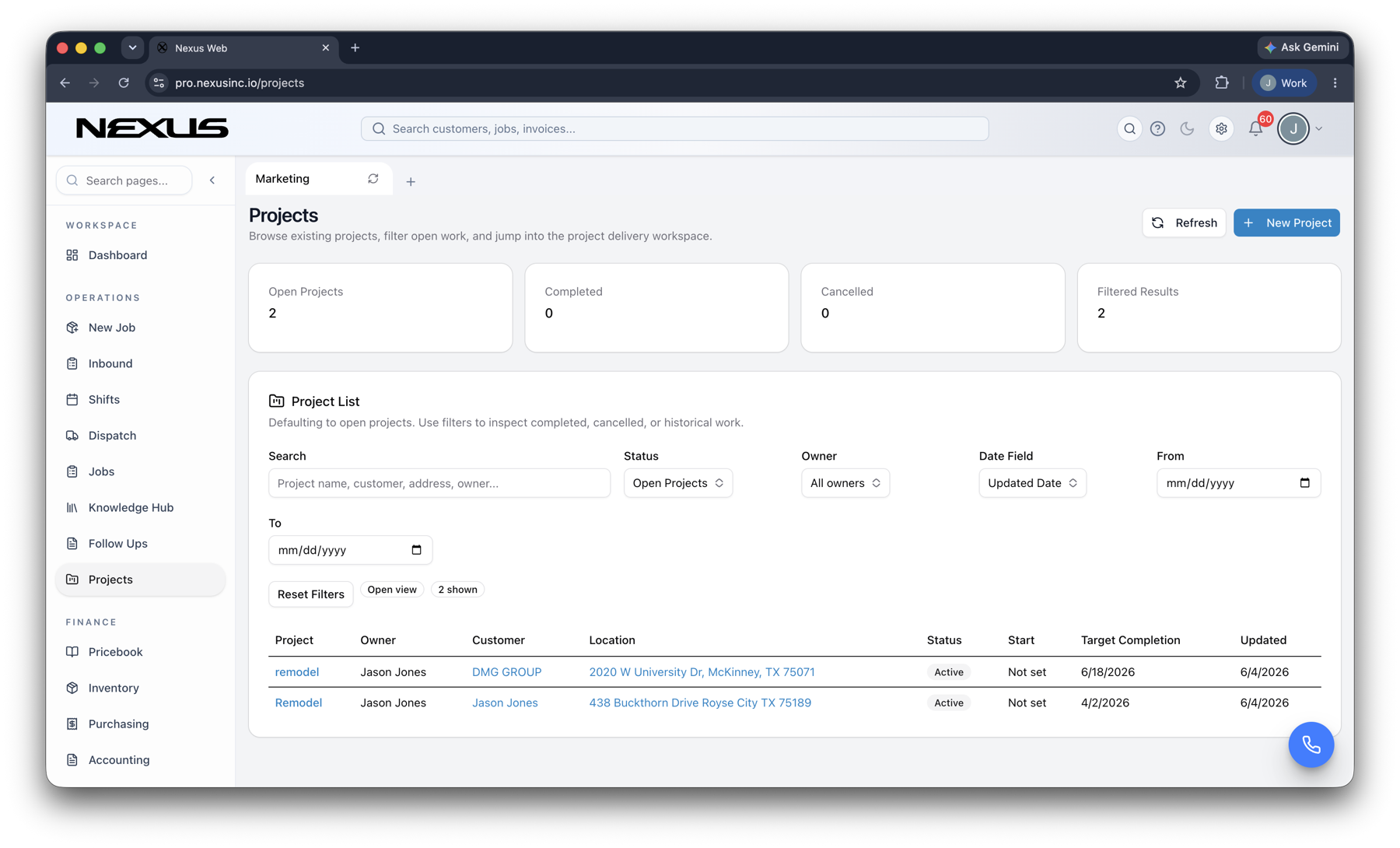
check_circleTrigger from any workflowcheck_circleRoute approvalscheck_circleMeasure every run
Automate the handoff, keep a human on the exception. product interface
Visualworkflow builder
Liveoperational triggers
End to endbusiness automation

Inside the product

Purpose-built around the work, not the software.

Every Nexus product shares the same design principles: complete context, fewer handoffs, clear next actions, and a connected record that gets more useful as work moves.

dashboard_customize

Visual orchestration

Make complex workflows understandable.

Map triggers, conditions, approvals, actions, and fallbacks on one visual canvas that operators can inspect and improve.

  • check_circleReusable workflow blocks
  • check_circleConditional logic and routing
  • check_circleHuman approvals where they matter
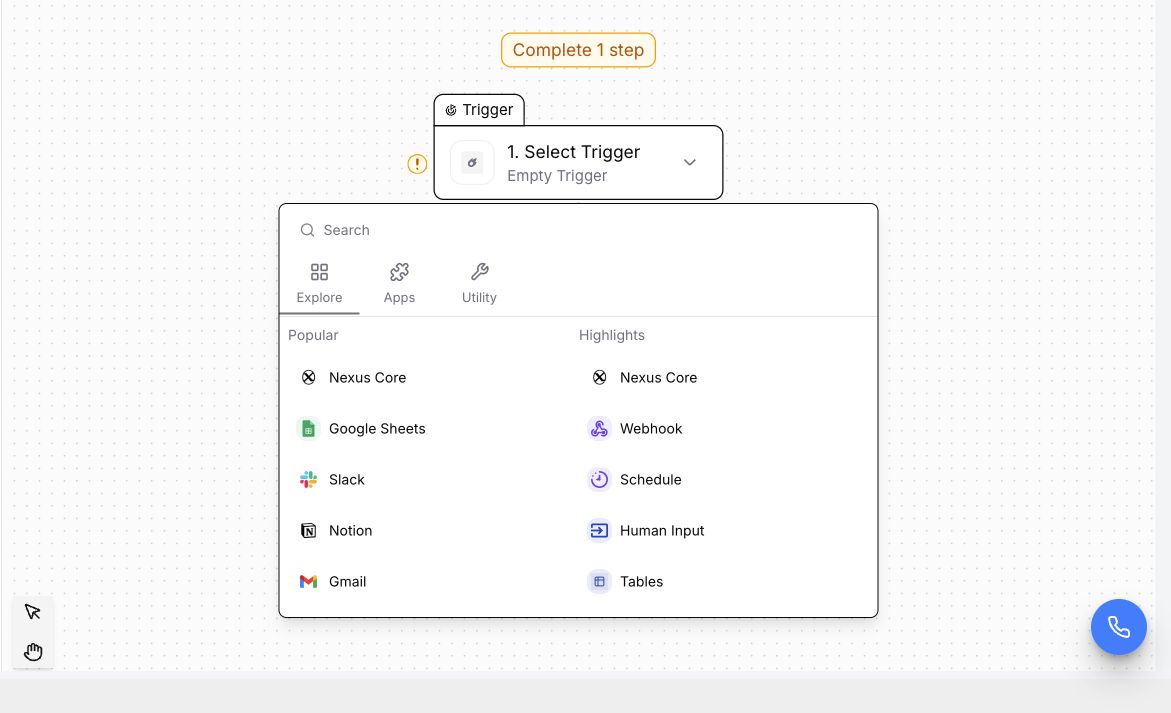
Make complex workflows understandable. interface
conversion_path

Operational context

Automations that understand the job around them.

Use live customer, estimate, job, inventory, and invoice data to create workflows that match how field-service businesses actually operate.

  • check_circleJob-aware decisions
  • check_circleCustomer and location context
  • check_circleCross-team handoffs without re-entry
Automations that understand the job around them. interface
insights

Visible performance

Know where the process is working—and where it is not.

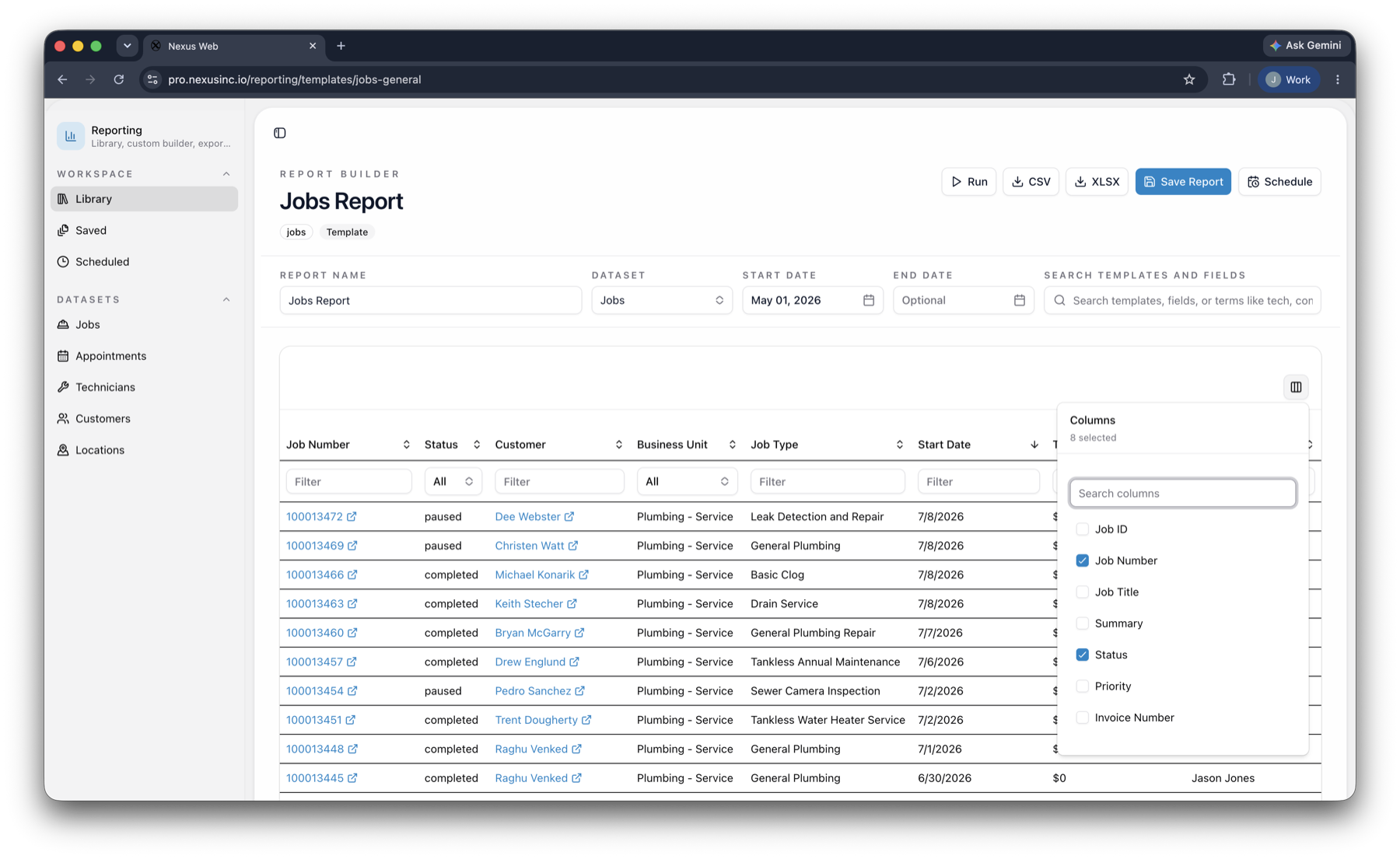
Measure throughput, exceptions, and results so every automation can become more reliable over time.

  • check_circleRun history and exception visibility
  • check_circleCustom operational reporting
  • check_circleClear ownership for next actions
Know where the process is working—and where it is not. interface

How it works

A clearer path from signal to action.

Nexus keeps the workflow understandable while the platform handles the connections underneath.

01

Map

Choose the trigger, rules, people, and systems involved.

02

Launch

Test the path, publish it, and keep humans in control of key approvals.

03

Improve

Review exceptions and outcomes to remove the next layer of friction.

Questions

What teams usually want to know.

A strong platform decision should make the operating model simpler—not introduce another disconnected layer.

Do we need developers to build automations?add

The visual builder is designed for operators, while advanced teams can still structure more sophisticated conditions and connected workflows.

Can Nexus replace separate point solutions?add

Yes. Each Nexus product shares the same customer, job, and invoice record, so dispatch, field, finance, and marketing are looking at the same work.

Can we roll this out in phases?add

Yes. Teams can begin with the workflow creating the most friction, then expand into adjacent Nexus products without rebuilding their data model.

Does it work for field and office teams?add

Yes. Responsive office workflows and mobile-first field experiences keep both sides of the operation working from the same live information.

Buyer Paths

Continue from the product into the workflows your team is evaluating

Use these pages to move from product interest into category research, trade-specific evaluation, and platform comparisons.

See Nexus in your operation

Ready to automate everything?

Start with the handoff that still lives in a spreadsheet.