Menu
Calls and texts that book work

Galileo

Voice and SMS that book real jobs

Answer after hours, take a booking, and hand it to dispatch with the same customer record your office already uses.

check_circleAssign the rolecheck_circlePick the command catalogcheck_circleApprove what can run
Voice and SMS that book real jobs product interface
Roleyou assign
Catalogof allowed commands
Approvalbefore it acts

Inside the product

Purpose-built around the work, not the software.

Every Nexus product shares the same design principles: complete context, fewer handoffs, clear next actions, and a connected record that gets more useful as work moves.

dashboard_customize

Assigned role

A CSR, after-hours desk, or follow-up — not a chatbot.

Name the job Galileo is covering. It works from the same customer, location, and schedule the office already uses.

  • check_circleRole per line or after-hours shift
  • check_circleCustomer and job context in the call
  • check_circleVoice and SMS on the same record
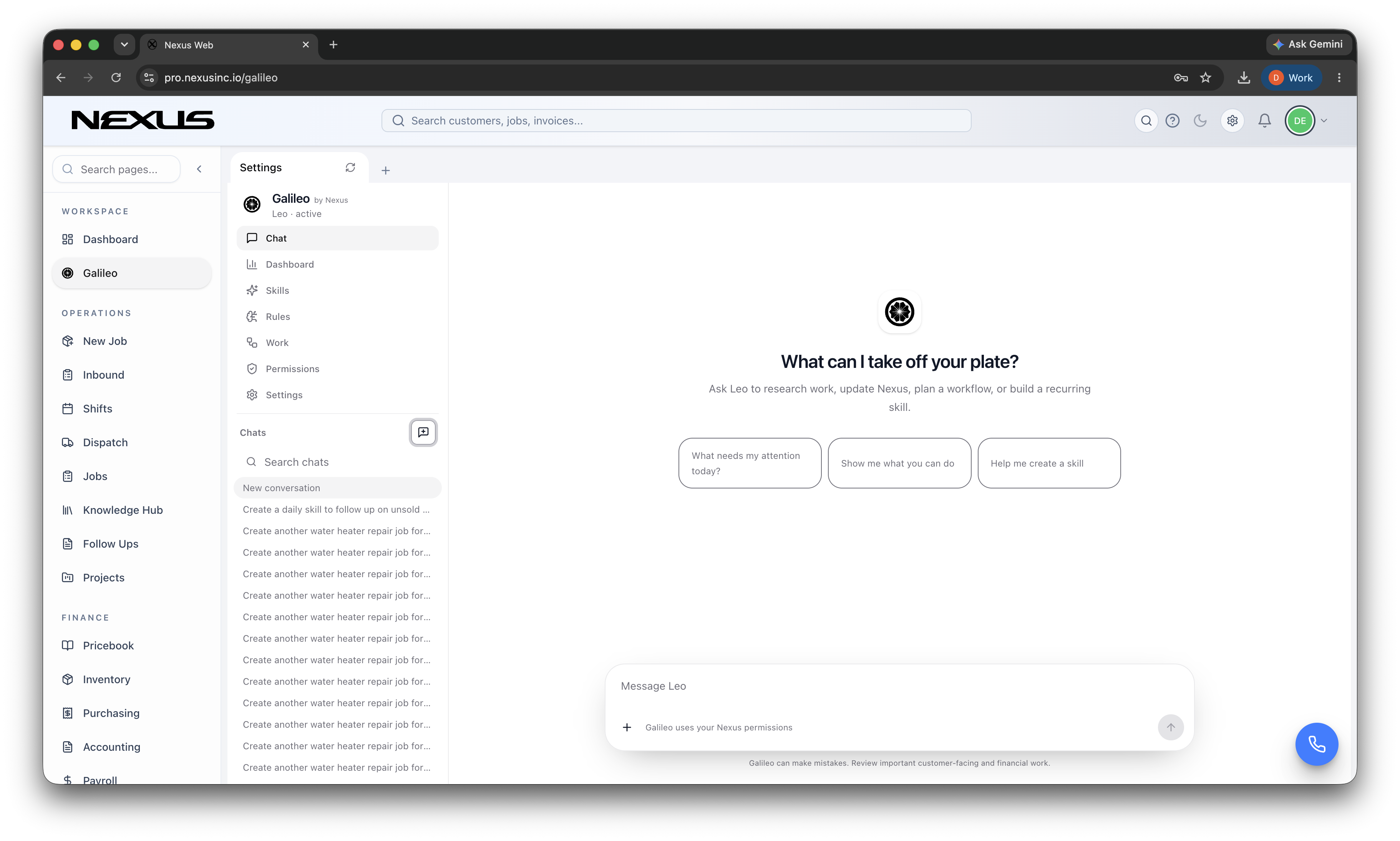
A CSR, after-hours desk, or follow-up — not a chatbot. interface
conversion_path

Command catalog

Book, update, text, escalate — only the commands you turn on.

The catalog is the work Galileo is allowed to do. Turn on book_job, send_eta, or take_payment. Leave the rest off.

  • check_circleExplicit commands, not open-ended tools
  • check_circlePer-role catalog
  • check_circleNothing runs that isn’t listed
Book, update, text, escalate — only the commands you turn on. interface
insights

Approvals

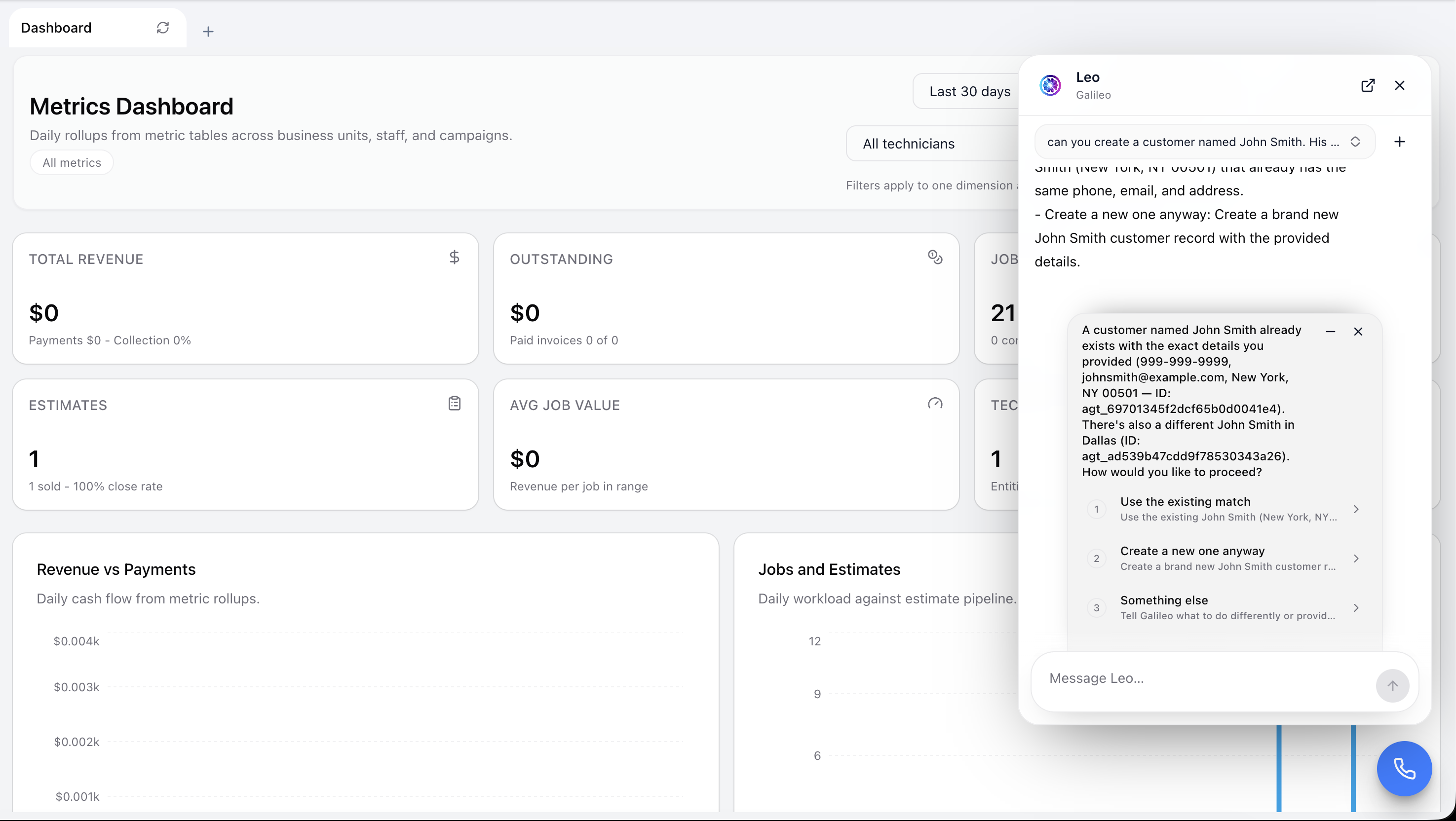
See a finished command, then let it through or hold it.

Galileo shows the action it wants to take — book tomorrow 8am at 214 Oak — and waits when the rule says a person has to sign off.

  • check_circleFinished command, not a spinner
  • check_circleHold, approve, or rewrite
  • check_circleHandoff includes the conversation and the job
See a finished command, then let it through or hold it. interface

How it works

A clearer path from signal to action.

Nexus keeps the workflow understandable while the platform handles the connections underneath.

01

Assign

Give Galileo a role and the line or inbox it covers.

02

Catalog

Turn on the commands that role is allowed to run.

03

Approve

Let finished commands through, or hold them for a person.

Questions

What teams usually want to know.

A strong platform decision should make the operating model simpler—not introduce another disconnected layer.

Can Galileo actually book or update work?add

Yes — if that command is in the catalog. Booking, updates, and texts run as named commands. Anything else waits for approval or a handoff.

Can Nexus replace separate point solutions?add

Yes. Each Nexus product shares the same customer, job, and invoice record, so dispatch, field, finance, and marketing are looking at the same work.

Can we roll this out in phases?add

Yes. Teams can begin with the workflow creating the most friction, then expand into adjacent Nexus products without rebuilding their data model.

Does it work for field and office teams?add

Yes. Responsive office workflows and mobile-first field experiences keep both sides of the operation working from the same live information.

Buyer Paths

Continue from the product into the workflows your team is evaluating

Use these pages to move from product interest into category research, trade-specific evaluation, and platform comparisons.

See Nexus in your operation

Build a calmer, more connected operation.

See this workflow on a real job, from the board to a paid invoice.