Turn the schedule into a live operating plan.
Match jobs to the right technician using skills, availability, business unit, drive time, and current field conditions.
- Route optimization
- Board, list, and map views
- Drag-and-drop assignment

Schedule no-cool and no-heat calls, maintenance visits, diagnostics, replacements, and installations around system type, technician skill, maintenance commitments, replacement work, geography, and seasonal capacity without rebuilding the day in spreadsheets, texts, and disconnected maps.
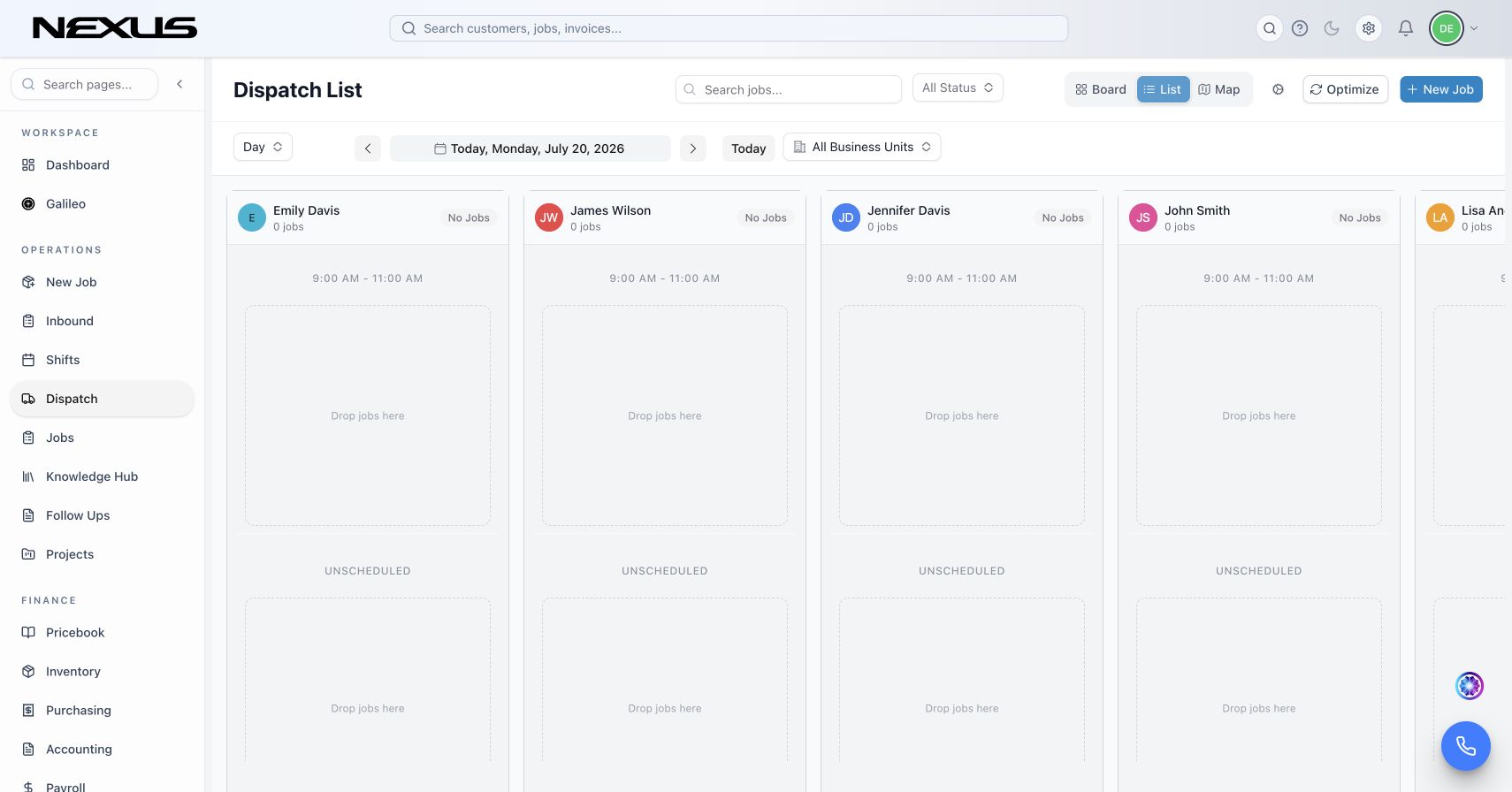
HVAC dispatch from booking through arrival
Nexus connects each appointment to service locations, equipment, warranties, maintenance history, memberships, open estimates, and replacement opportunities, then gives dispatchers the capacity, geography, skill, and live status needed to make a defensible assignment.
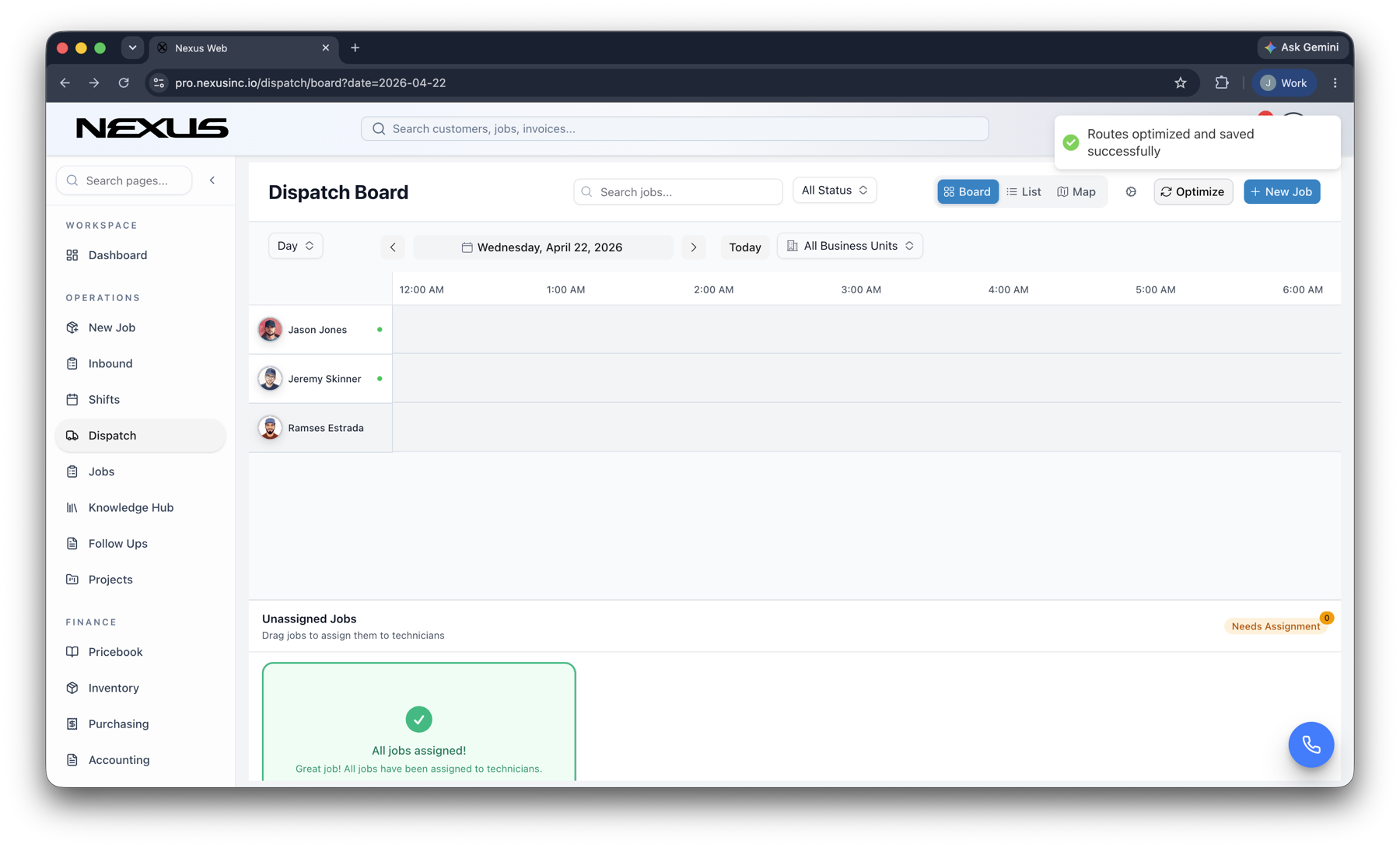
Match jobs to the right technician using skills, availability, business unit, drive time, and current field conditions.
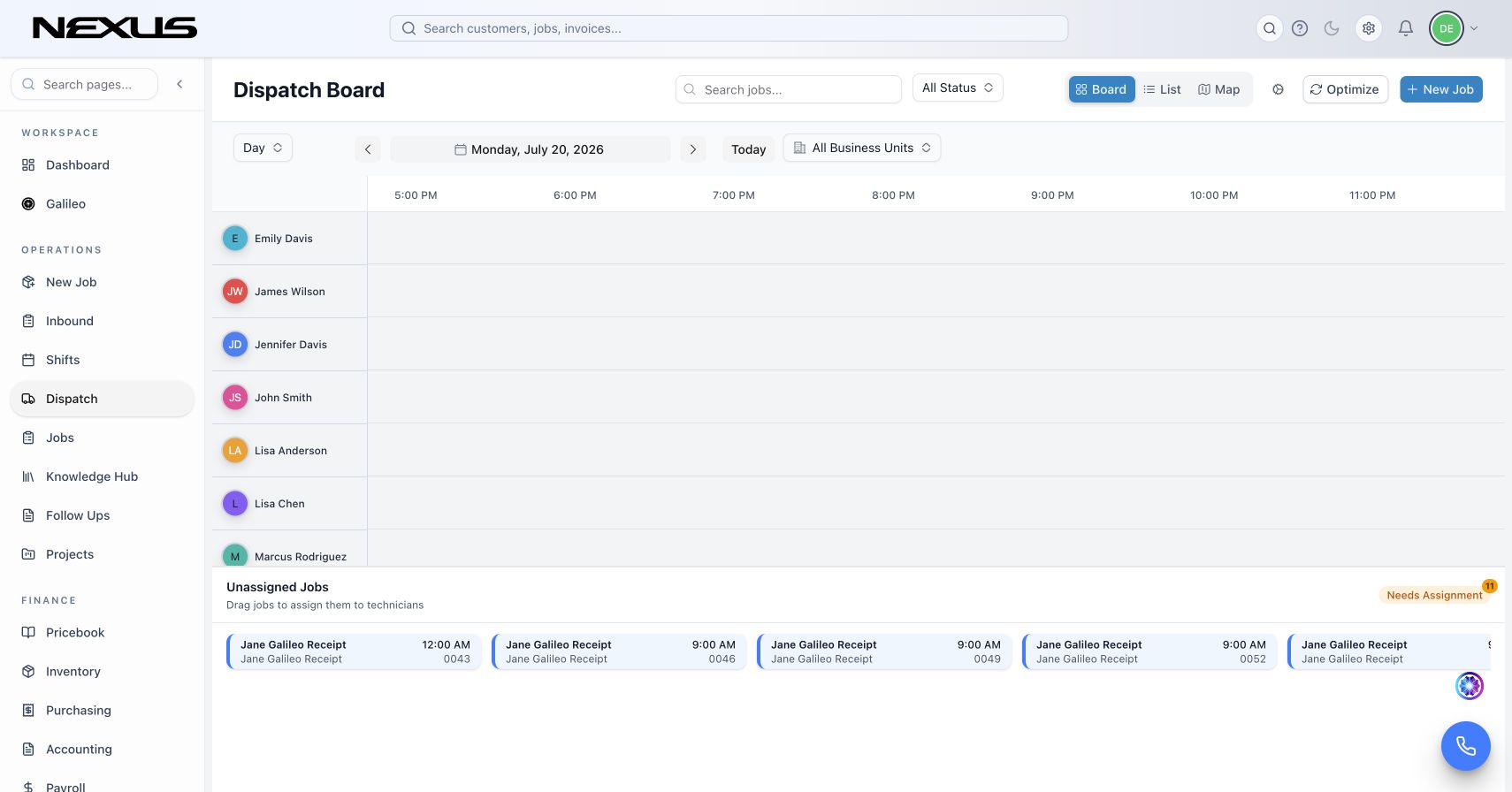
Review unassigned work, technician schedules, drive time, current status, and downstream commitments together. Reassign the call, preserve the operating context, and notify the customer from the same record.
Separate a no-cool or no-heat call from work that can move without creating a customer-service failure.
Compare system type, technician skill, maintenance commitments, replacement work, geography, and seasonal capacity before committing the appointment.
See the route and capacity effect of a change before avoidable drive time and overtime spread across the board.
Generic calendars do not know the operational difference between no-cool and no-heat calls, maintenance visits, diagnostics, replacements, and installations. Nexus carries job requirements, customer history, territory, priority, and team capability into the dispatch decision.
Because schedule events share a record with calling, SMS, jobs, forms, invoices, and reporting, the office can make a change once and keep the field and customer aligned.
See assigned, unassigned, traveling, working, and completed demand against the technicians available.
Evaluate route density and drive time before adding unnecessary windshield time.
Use system type, technician skill, maintenance commitments, replacement work, geography, and seasonal capacity to narrow the best assignment.
Trigger the right confirmation, arrival, reassignment, or delay message from the schedule change.
Calling, SMS, automation, marketing tools, and Galileo by Nexus are part of the platform—not separate products you have to stitch together.
For solo founders and small crews
For growing service companies
For larger teams ready to scale
Yes. Nexus can prioritize a no-cool or no-heat call, compare system type, technician skill, maintenance commitments, replacement work, geography, and seasonal capacity, and keep final schedule control with the dispatcher.
Board, list, and map views connect appointments with technician capacity, route geography, live status, and service locations, equipment, warranties, maintenance history, memberships, open estimates, and replacement opportunities.
Yes. Nexus provides mobile access to the customer, location, schedule, job, documentation, communication, estimate, invoice, payment, inventory, and purchasing workflows appropriate to each role.
Yes. Business units, roles, permissions, job types, forms, automations, notifications, and approval paths can be configured around the way the company operates.
Yes. Connected operational records can feed configurable dashboards, custom reports, scheduled delivery, CSV or XLSX exports, and Galileo-assisted analysis.
Book a focused walkthrough using your no-cool and no-heat calls, maintenance visits, diagnostics, replacements, and installations, team structure, and operating rules.
Book your Nexus demo